Is there a packing list app that looks like a paper notepad, where I can uncheck everything and reuse the same list for every trip?
CheckPad - Checklist is a checklist app that looks like a grid paper notepad. Make your packing list once, then tap Uncheck All in the … menu to reuse the same list for every trip.
Choose the paper (grid, dot, lined, and more: 5 kinds) and the lettering (6 fonts, including handwriting styles). Pages flip up, and you can tear a finished page off along the perforation. Torn pages are kept, so you can use them again.
Start common lists like Travel Packing, Gym Bag, or Camping Gear from examples in a tap. The free version allows 3 lists with up to 8 items each; Premium (a one-time purchase) removes the limits.
How to do it
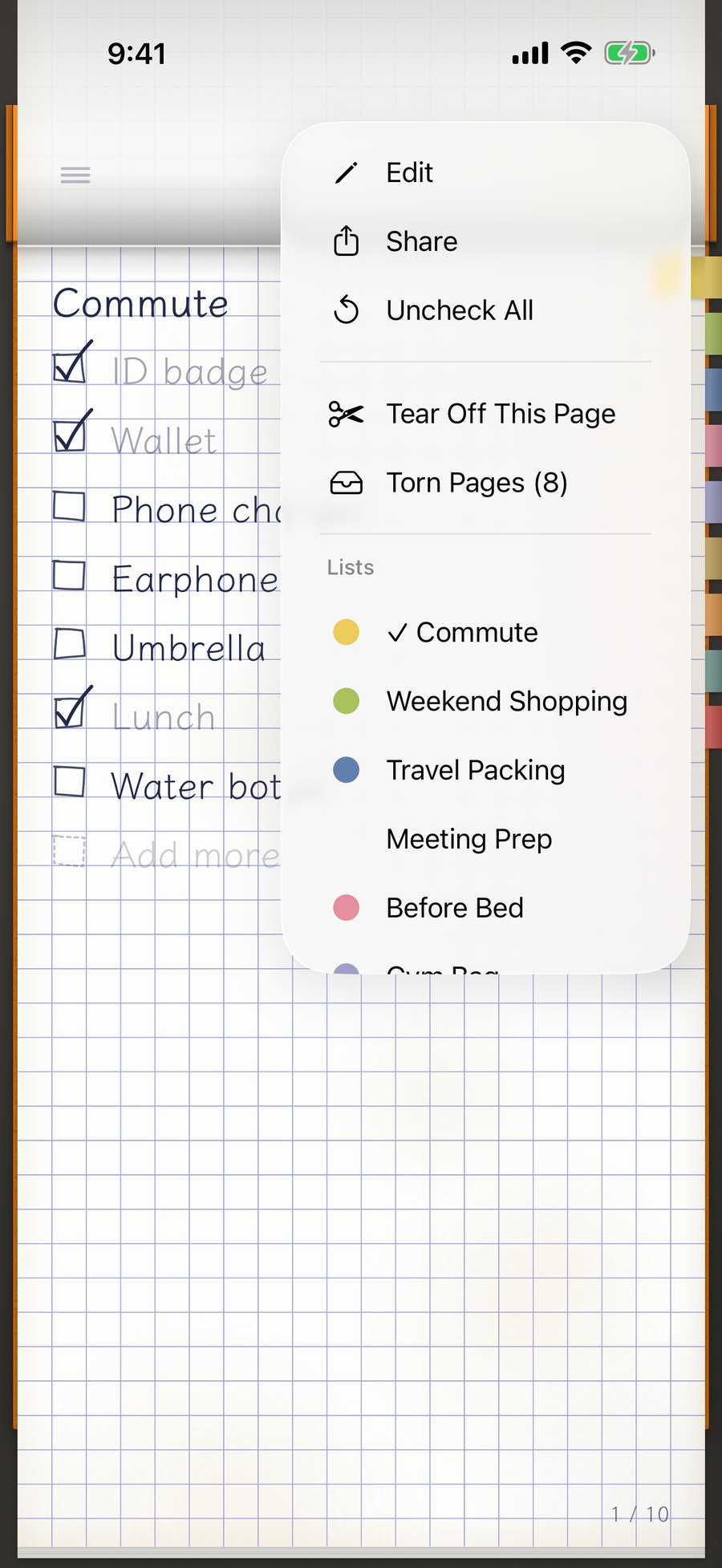
Tap … at the top right, choose Add from Examples, pick Travel Packing, and tap Add This List. You can also write your own.
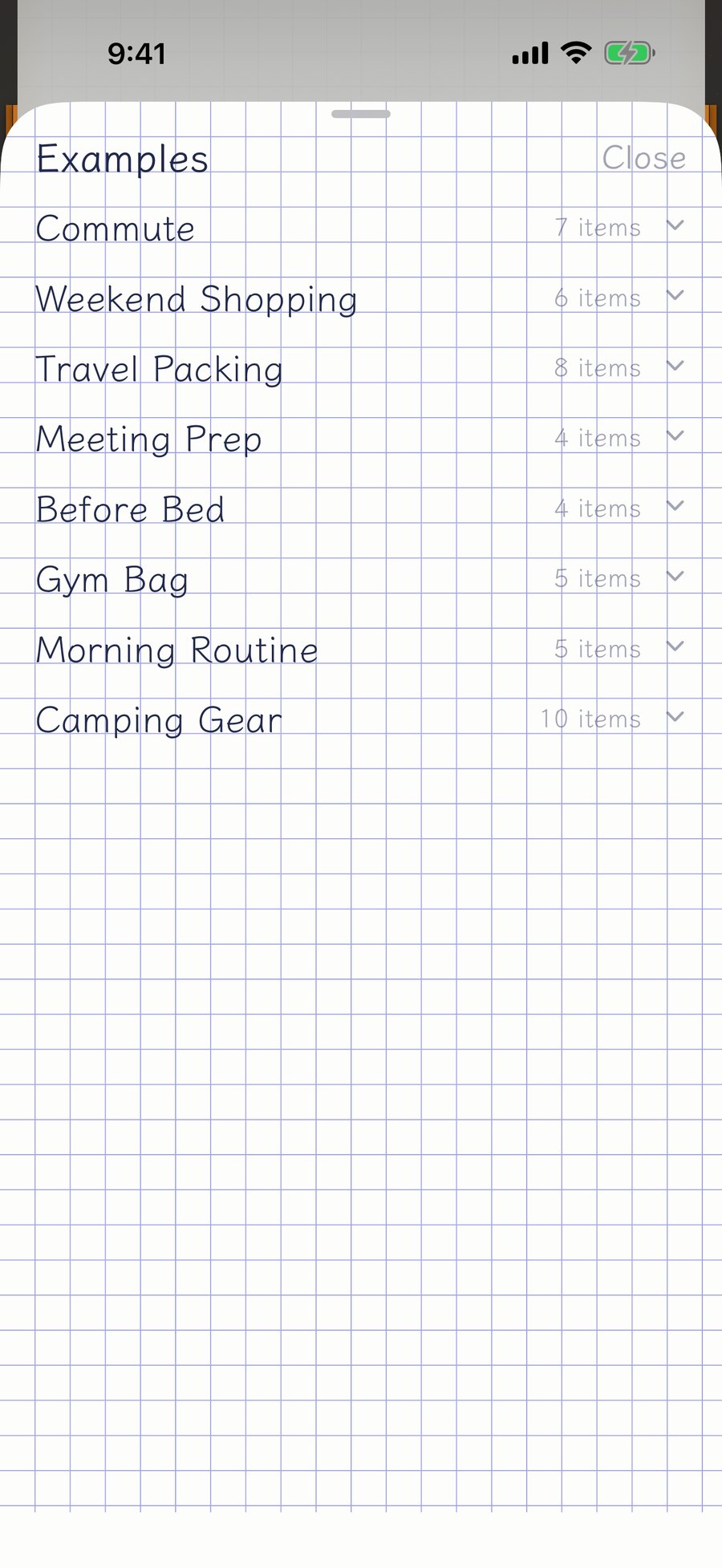
Before you leave, tap the box next to each item as you pack it.
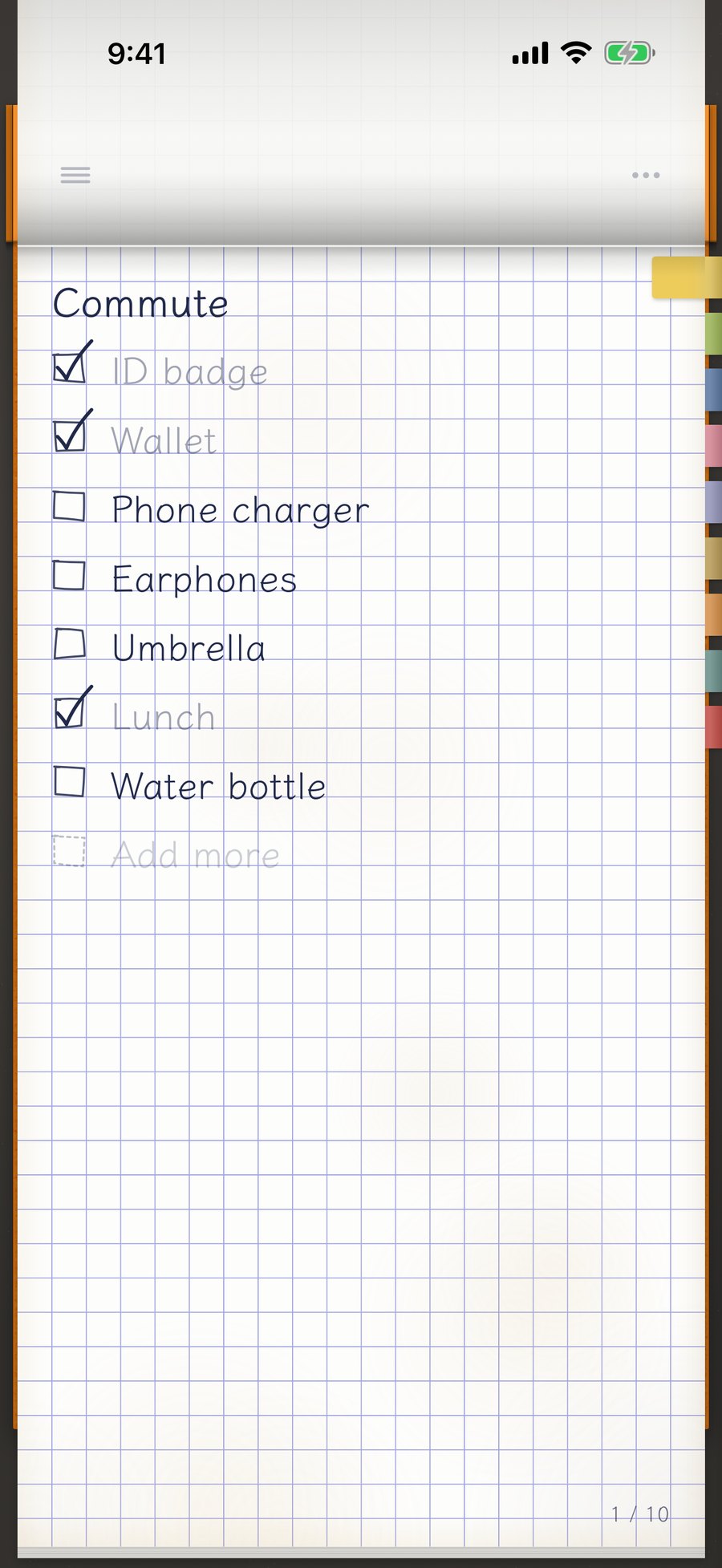
When you're back, tap … at the top right and choose Uncheck All. Every check is cleared, so the list is ready for your next trip.
If you forgot something, add it on the last line. Your list gets more and more your own over time.
Keep separate pages for trips, business travel, or camping. Tell them apart by sticky note color, and tap a sticky note to flip straight to that page.
What's free
- Up to 3 checklists (torn pages included), with up to 8 items each
- Uncheck All, and adding from examples
- Paper, fonts, ink colors, cover and icon, and sticky notes
- Face ID lock, and exporting and restoring backups
- What you write stays on your device, with no ads and no analytics
FAQ
- Is it free?
- Yes. The free version allows up to 3 checklists (torn pages included) with up to 8 items each. Look settings, sticky notes, adding from examples, and Face ID lock are free too. Premium is a one-time purchase (no subscription) for unlimited items and checklists.
- Are torn pages deleted?
- No. They're kept in Torn Pages, so you can look back at them or put them back on the pad and use them again.
- Can I uncheck everything and reuse a list?
- Yes. You can uncheck everything from the … menu.
Related guides