Is there an app that totals what I pay for subscriptions and bills each month and year, and helps me remember to cancel?
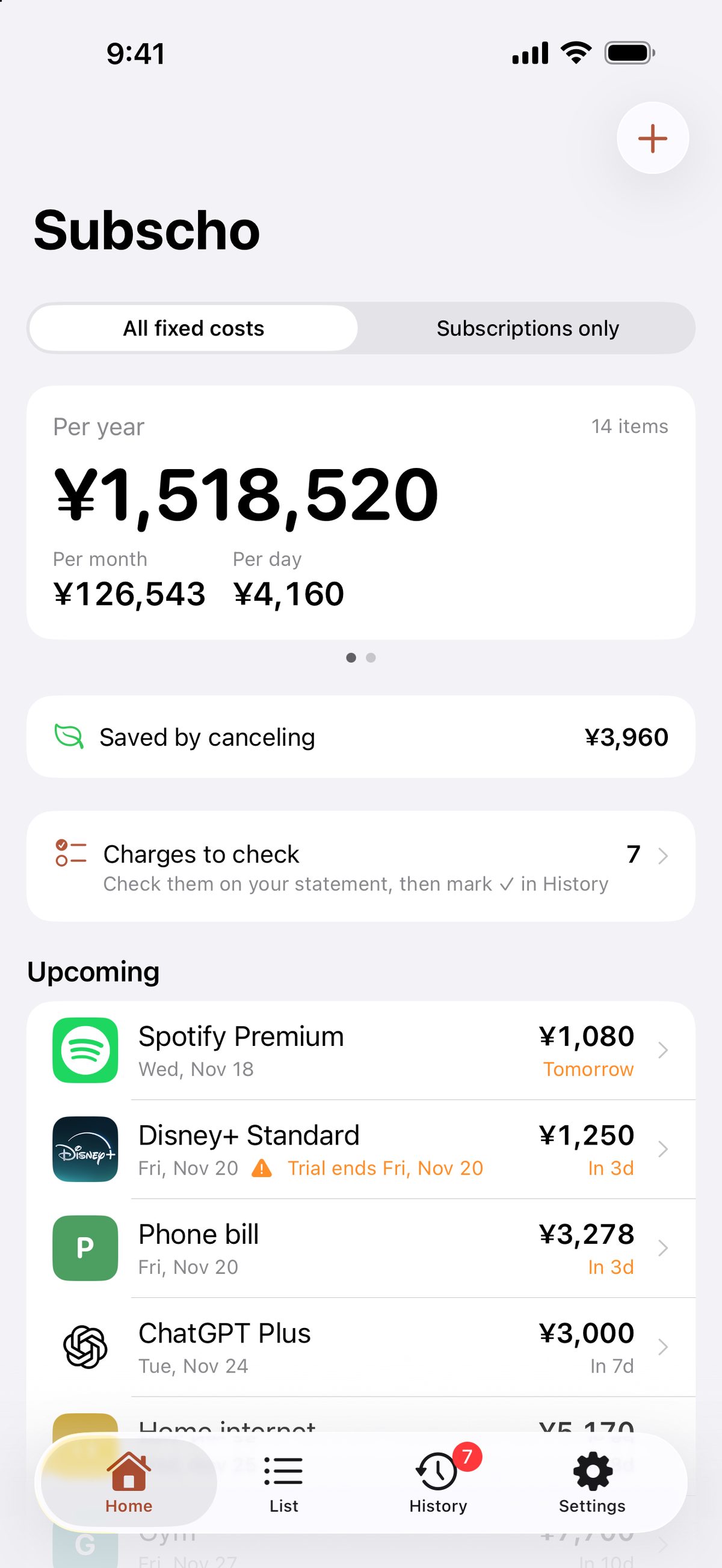
Subscho lets you add streaming and music subscriptions alongside rent, utilities, phone, and insurance. Home shows your yearly, monthly, and daily totals, with a list of upcoming payments.
It reminds you before each payment and before free trials end. You can keep the cancellation link, notes on how to quit, and a planned cancellation date with each item.
There's no limit on items, even for free. No account is needed, and it doesn't link to your bank or cards. Your data is stored only on your iPhone.
How to do it
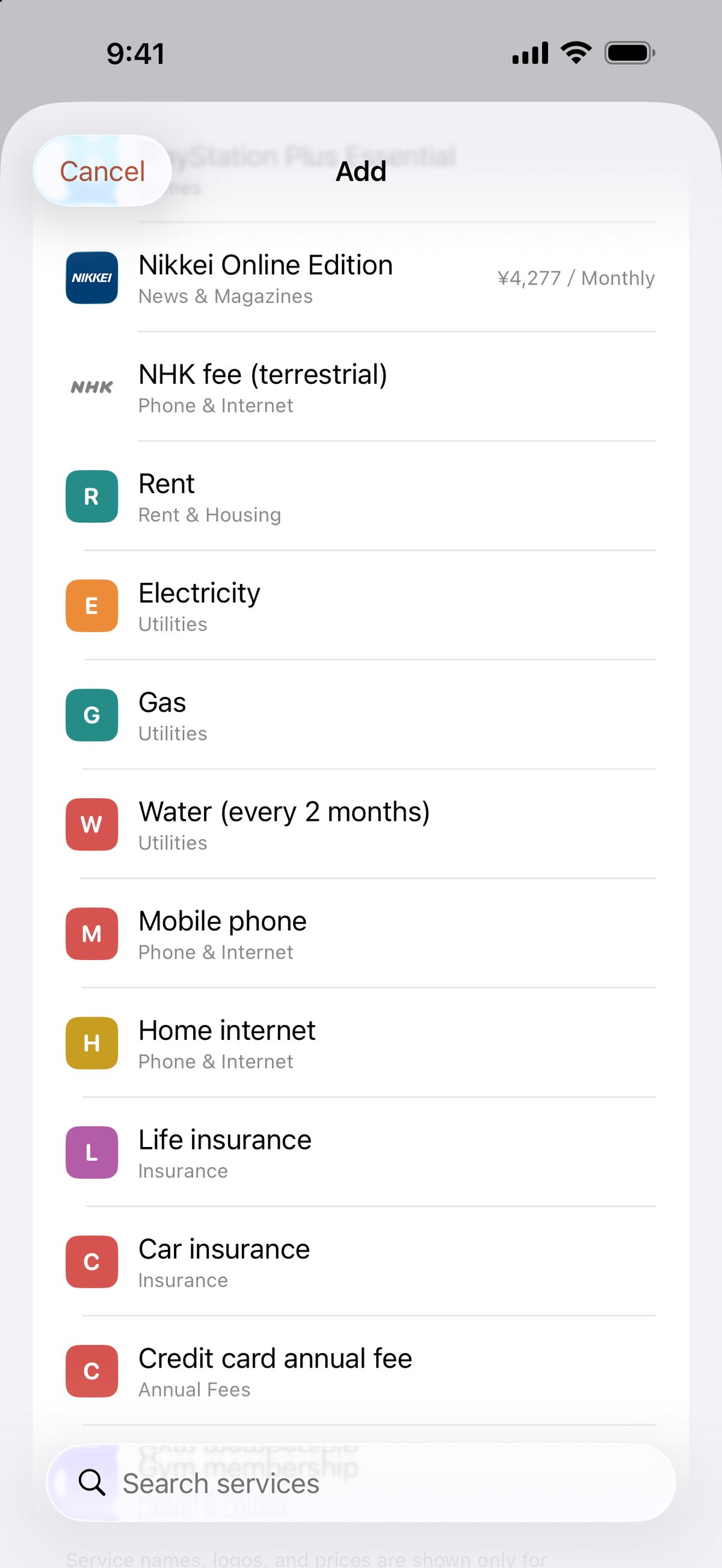
Add an item. Pick from 50 common services and bills to add it fast. Any billing cycle works: monthly, yearly, every few months, weekly, and more.
See your yearly, monthly, and daily totals on Home. You can switch to subscriptions-only totals.
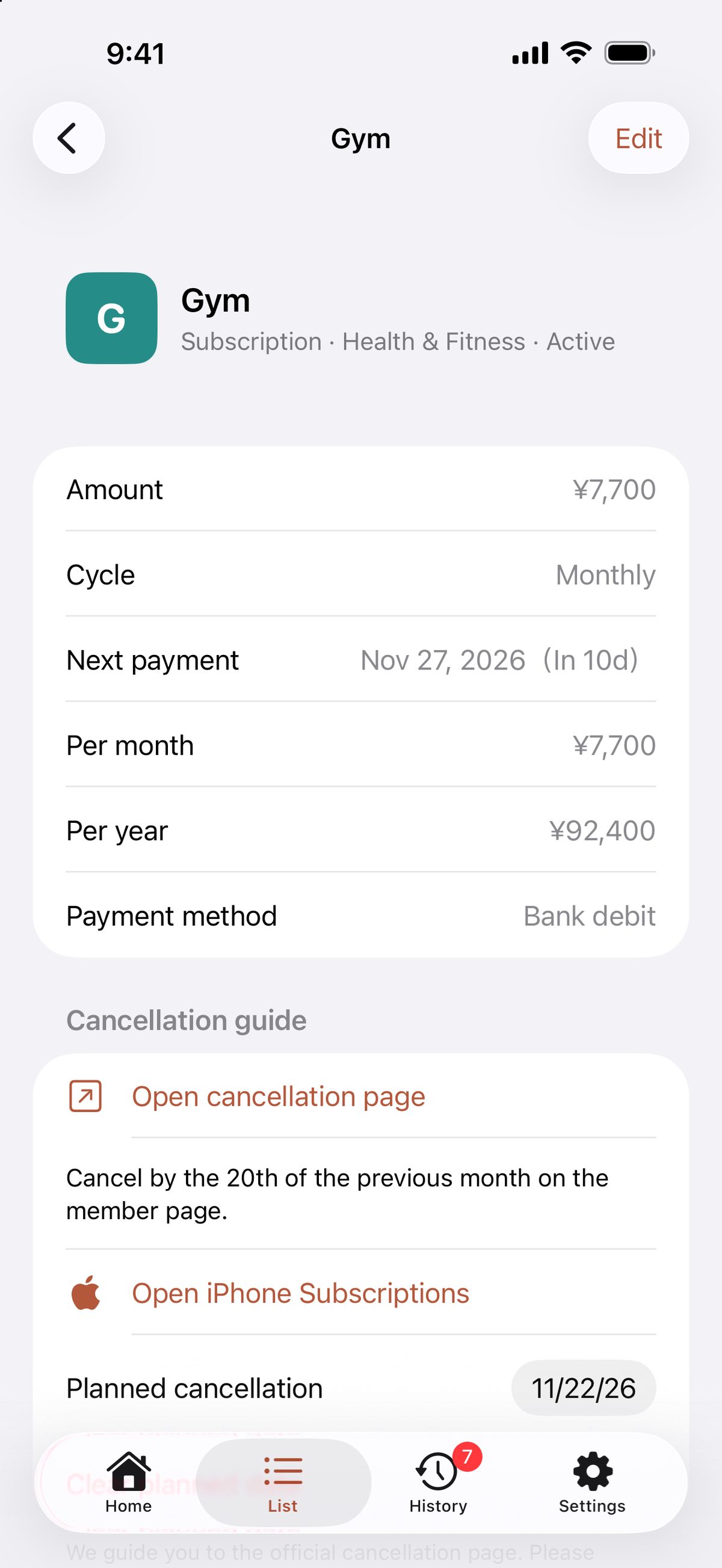
Keep the cancellation link, notes on how to quit, and a planned cancellation date with the item.
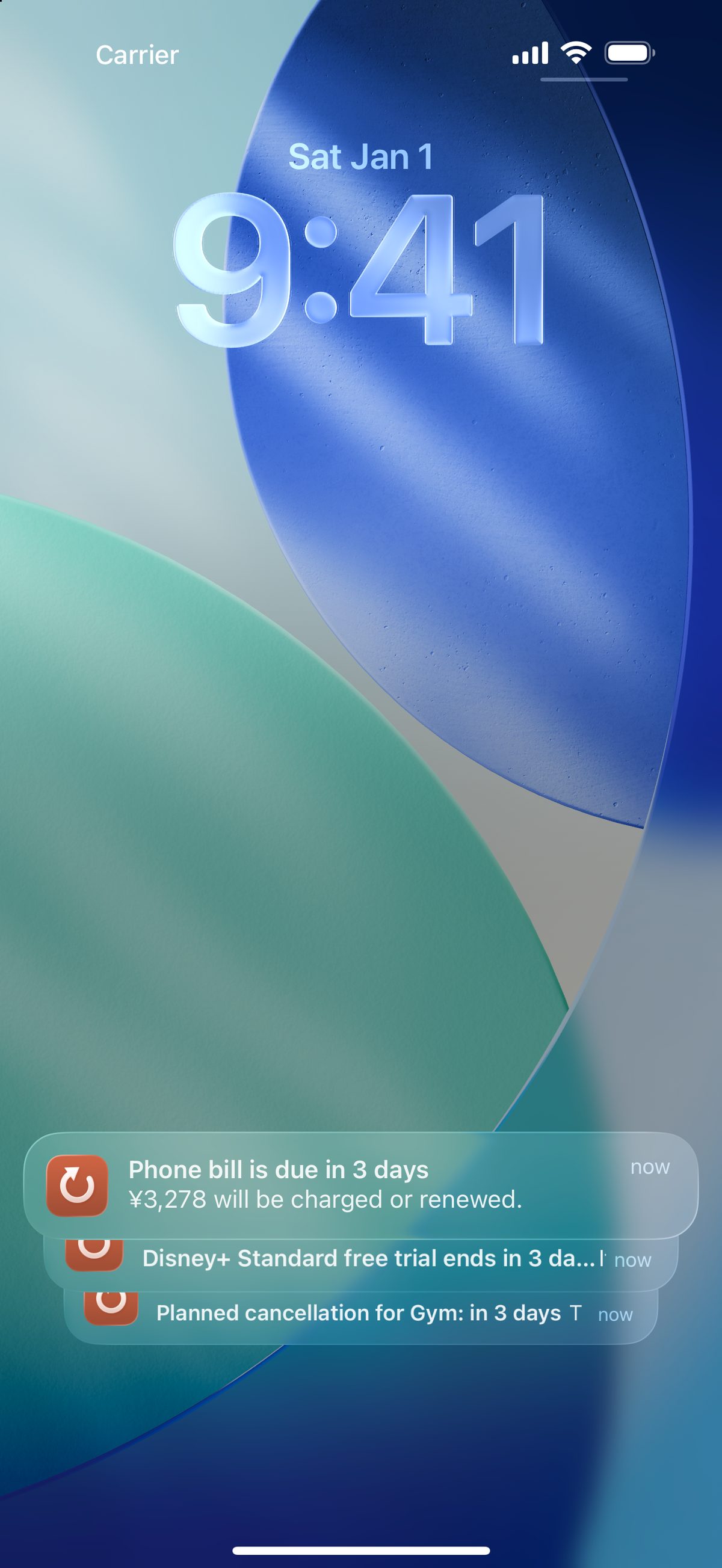
Get reminded before each payment and before a free trial ends.
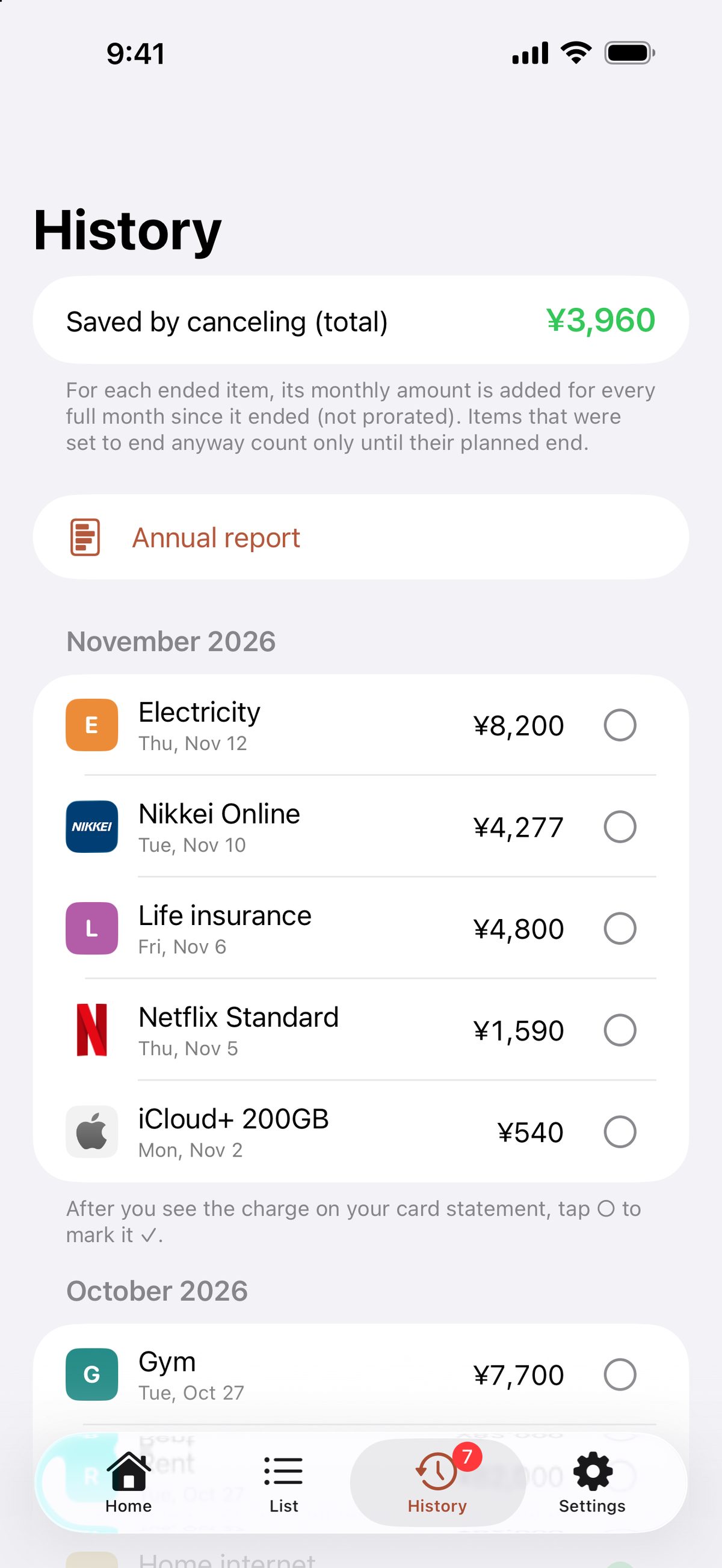
In History, check each charge against your card statement and tap its circle.
What's free
- No limit on items
- Yearly, monthly, and daily totals, with reminders before payments and when free trials end
- Cancel links, notes, and dates, and checking charges (last 3 months)
- Widgets and JSON backup. Data stays on your iPhone
FAQ
- Is it free?
- Yes. There's no limit on items, and totals, reminders before payments and when free trials end, cancel notes, checking charges (last 3 months), widgets, and JSON backup are free. Full history, the annual report, and more come with Premium (one-time, yearly, or monthly) or as single one-time purchases.
- Does it link to my bank or cards?
- No. No account is needed, and it doesn't link to your bank or cards. Your data is stored only on your iPhone and never sent anywhere.
- Can I cancel subscriptions from the app?
- No. You cancel with each service. The app keeps the cancellation link, notes on how to quit, and a planned cancellation date for you.